
Many writers miss submission rules because they cannot quickly calculate the number of words. Search studies show article length can influence SEO rankings, although quality still matters more. Students often overlook character count rules that force headline and caption edits during submission. A sentence word counter and character counter provide instant totals when you paste your text. This free sentence word counter tool calculates words per sentence, paragraph totals, and keyword density metrics. Read the complete guide in this article to learn how to use a word count tool.
How a Word Counter Works in Practice?
A sentence word counter scans text and separates units by spaces and punctuation marks. It then tallies each unit to calculate the total number of words swiftly and accurately. Online word counter tools often update counts in real time as users type or paste. Character count, sentence counter, and paragraph metrics usually appear alongside overall totals for clarity. Advanced counters also provide word frequency lists and density percentages for SEO and revision purposes. Developers build rules to handle hyphens, contractions, and special characters correctly across languages.
What Gets Counted in a Sentence:
A sentence word counter recognizes words separated by spaces, punctuation, or line breaks automatically. It treats contractions and hyphenated terms according to configured rules or common standards explicitly. Consequently, total words per sentence may differ slightly between various counter implementations of online tools.
Why Counting Matters for Writing Goals:
Writers paste text into free word counter tools to confirm compliance with word count requirements often. Students and professionals adjust sentence length to meet essay and article word limit specifications reliably. Editors check character count and sentence totals concurrently to ensure clarity and meet platform demands.
The Role of Character Count in Analysis:
Character count shows the number of characters, including or excluding spaces, for precise limits. This metric helps writers meet title, caption, or platform-imposed character limit conditions effectively. Consequently, combining character and word counters helps authors adapt text length for specific channels.
Why People Use Word Count Tools
Writers, students, and editors rely on a word count tool to meet length requirements easily. It helps manage essay word limits and keeps social posts concise for the publication process. Freelancers and SEO specialists monitor keyword density using an accurate word counter alongside other metrics. Educators use sentence counters to assess assignment scope and quickly verify compliance with instructions. Moreover, editors use character counters when platforms impose tight character limits for headlines or captions. Many prefer free online word counter options that provide instant word and character feedback without cost.
Practical Tasks: Essays, Reports, Posts
Students paste essays into a free word counter to calculate the number of words quickly. Bloggers use online word counter tools when composing posts to meet SEO targets purposely. Authors check paragraph length and page count to plan manuscript structure before submission.
Benefits of an Accurate Word Counter:
- Improves compliance with word count requirements for essays and publication platforms efficiently.
- Helps monitor word frequency, enabling clearer keyword placement for SEO and readability.
- Saves time by instantly showing totals, character limits, and words per minute estimates.
- Supports editing by flagging long sentences and suggesting concise replacements during revision.
When Character Limits Influence Your Text:
Social platforms and publishers often set character limit rules that writers must respect strictly. Character counter tools display the number of characters, including or excluding spaces, accordingly. Consequently, editors trim text and adjust sentence length to meet those imposed constraints efficiently.
What Makes an Online Word Counter Accurate?
Accuracy depends on the counter’s parsing rules, tokenization, and how it treats punctuation consistently. Different tools may include numbers, symbols, or hyphenated terms in total number calculations explicitly. Reliable online word counter tools let users choose whether to include footnotes and endnotes. Handling multilingual text requires special logic to avoid miscounting words in non-Latin scripts appropriately. A sound word frequency counter removes common stop words to highlight meaningful keyword usage accurately. Developers test counters against standards and reference tools to validate accurate word and character outputs.
Handling Punctuation and Special Characters:
Punctuation like commas, periods, and semicolons can change token boundaries and affect counts significantly. Good counters normalize curly quotes, em dashes, and unusual whitespace before the final tally display. Consequently, accurate word and character counting needs deliberate normalization rules implemented by developers regularly.
Word Frequency Counter Features That Help Writers:
Word frequency counters list repeated words and calculate occurrence percentages for quick analysis. Writers use this data to reduce redundancy and improve clarity during revision tasks consistently. SEO professionals combine word frequency outputs with keyword density metrics to refine content strategy appropriately.
Differences Between Simple Counters and Advanced Tools:
Simple counters count spaces and punctuation naively, providing basic totals without nuance. Advanced tools add grammar checks, live updates, and customizable inclusion options for footnotes. Therefore, choose a counter based on needs, whether speed, accuracy, or SEO features.
Common Features of an Online Word Counter
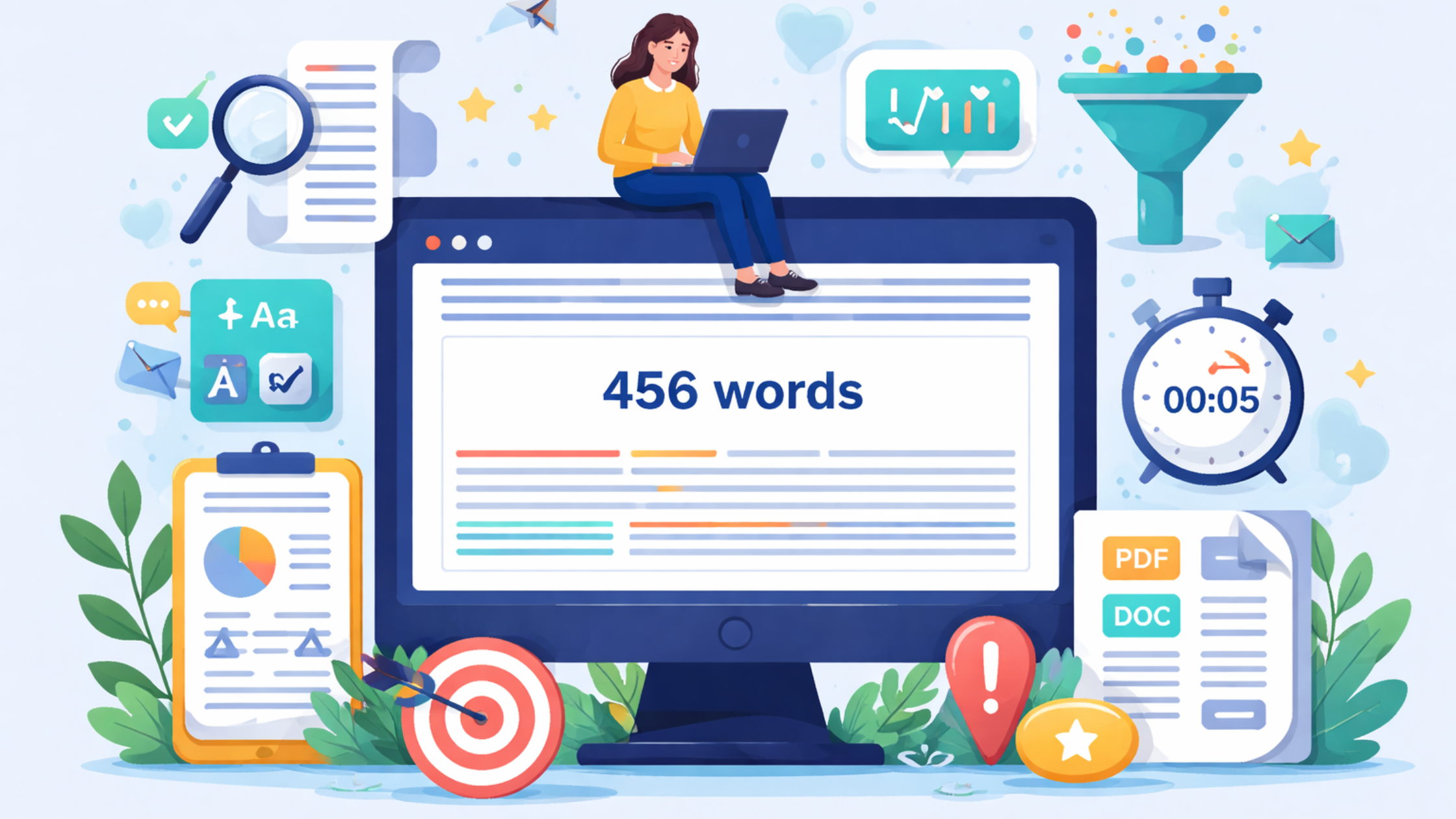
Most online word counter tools show live totals for words, characters, sentences, and paragraphs.
They usually allow users to paste their text into an input box to begin counting immediately. Many free word counter options also include word frequency counter views and simple SEO checks. Efficient word counter tools display totals and show word and character count side by side. Some counters provide page count estimates and words per minute statistics for drafting speed evaluation. Often, online tools remain free of cost while offering instant word counting without registration requirements.
1. Live Count as You Type:
Live count updates the display as users type, giving immediate feedback during composition continually.
Consequently, writers adjust sentence length and tone accordingly to reach ideal word targets efficiently.
This feature helps to track word count without manual recalculation and saves time.
2. Word Frequency and Text Breakdown:
Word frequency displays top words and highlights repeated usage across the entire document instantly.
Text breakdown often shows average sentence length, paragraph distribution, and character statistics at a glance. Consequently, editors identify patterns and reduce redundancy using the counter’s summarized outputs regularly.
3. Additional Tools: Estimates and Adjustments:
Some counters estimate page count by applying standard words per page figures for formatting. Others calculate words per minute to assess drafting speed and improve time management practices. Furthermore, counters may let users deliberately exclude specific sections when calculating the final total deliberately.
How to Count Words in Different Contexts
Counting words in short sentences requires the same parsing logic as longer text passages generally.
However, paragraph counting focuses on separators and line breaks rather than counting individual words exclusively. Translators often need accurate counts for pricing, so they calculate the number of words meticulously. Counting in multiple languages requires specialized tokenizers to avoid inadvertently miscounting characters as words. Consequently, academic essays and legal documents may enforce strict word count requirements that writers follow. Use a sentence counter for quick checks, or perform manual review when precision is mission-critical.
Short Sentences vs. Long Paragraphs:
Short sentences often show small variations in word counts across different counters regularly.
Long paragraphs increase the chances for miscounts when hyphenation or special punctuation sometimes appears. Therefore, check totals with multiple counters if a precise total number matters for assignment submission.
Counting in Multiple Languages:
Non-Latin scripts require different segmentation rules to avoid counting each character as a separate word. Asian languages, for example, may need language-specific tokenizers to calculate the number of words correctly. Consequently, professional translators rely on tools that support multilingual counting for pricing and estimates.
When to Use a Word Counting Tool vs Manual Review:
Automated counters work well for drafts, while manual review helps catch edge cases and errors.
If word count requirements shape grading, verify totals both with a counter and by inspection.
Moreover, use the word calculator features to calculate totals quickly when submission deadlines loom.
Tips for Getting the Most from a Word Counter
- Use a free online word counter to paste your text and view totals instantly.
- Before submission, check both word and character count to satisfy platform-specific word limit rules.
- Additionally, remove unnecessary filler and shorten long sentences to improve clarity and readability fast.
- Use the word frequency counter to find repeated words and reduce redundancy across paragraphs.
- Also, choose an accurate word and character counter that handles hyphens, contractions, and multilingual inputs.
- Finally, track words per minute while drafting to measure progress and improve writing efficiency over time.
Best Practices for Clean, Measured Text
Keep sentences concise and check punctuation to prevent miscounts across different counters regularly.
Also, paste your text into the input box to see instant word and character totals consistently. Moreover, confirm whether footnotes or endnotes count toward your required total before submission explicitly.
Avoiding Duplicate Counts and Errors
Ensure no hidden formatting or copied content introduces unexpected characters that skew counts often.
Use plain text paste options to remove invisible markup before the final tally calculation deliberately.
Furthermore, compare totals across two counters to detect discrepancies and fix counting anomalies quickly.
Conclusion
Using an accurate word counter helps writers meet essay requirements and manage word limits efficiently.
Free online word counter tools calculate words, characters, sentences, paragraphs, and sometimes keyword density instantly. An efficient word counter shows repeated words and flags overly long sentences for clearer editing. Writers paste text into the input box to instantly view totals and adjust structure immediately.
Combine automated counting with manual review to avoid hidden formatting or copy-paste anomalies later. SEO teams use word and character count analysis to optimize content length and preserve readability. Will you use a sentence counter or an efficient word counter to improve your writing today?
